Lead generation
Inquiries arrive at all hours and go cold before anyone replies.
- Capture website and ad leads
- Qualify and route them
- Follow up within minutes
Type a tool name, a task or a topic. Use the arrow keys to choose and Enter to open.
AI automation for small business
Practical AI tools, ready-to-build workflows and honest software comparisons for small businesses.
Pick a job. Watch what your customer sees, and the workflow that does it for you.
The workflow behind it
Example conversation written to show how the workflow behaves; names and businesses are made up.
The workflow behind it
Example conversation written to show how the workflow behaves; names and businesses are made up.
The workflow behind it
Example conversation written to show how the workflow behaves; names and businesses are made up.
The workflow behind it
Example conversation written to show how the workflow behaves; names and businesses are made up.
Pick the job that eats most of your week. We show the tools, the workflow and what it really costs.
Inquiries arrive at all hours and go cold before anyone replies.
The same questions fill your inbox and chat every single day.
Posting, emails and reports take hours you would rather spend selling.
Bookings, invoices and data entry keep you stuck in admin.
Free to use, checked on each vendor's own site, and built for small teams without a developer.
Step-by-step setups with the tools, monthly cost, difficulty and testing checklist spelled out. Each one says whether we tested it end to end or built it from the vendor’s documentation.
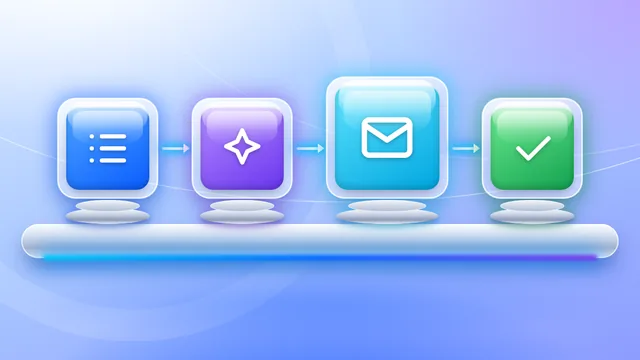
Automate website leads: capture, qualify and follow up.
Proposed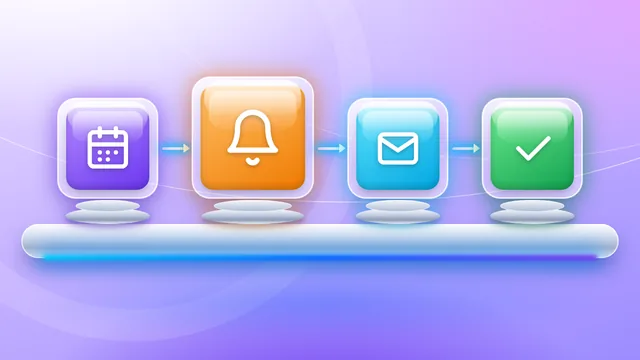
Automate appointments: bookings, reminders and follow-ups.
Proposed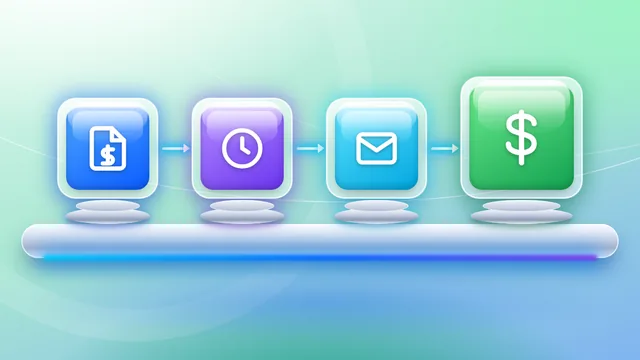
Automate invoicing: payment reminders and reconciliation.
ProposedFrom the first idea to money saved, with a free tool for every step.
Shortlists for the three jobs most small businesses automate first. Prices are on each tool page, with the date we checked them on the official site.
Connect your apps and move data without copy and paste.
Keep every lead, deal and follow-up in one place.
Answer customers faster with AI chat and a shared inbox.
Automation platforms, CRMs, help desks and AI assistants, each with a checked profile: what it costs, who it suits and what to use instead.
Browse all toolsDiscover how much time and money automation could save your business. Enter your own numbers and see the monthly saving, the payback period and the first-year return before you pay for any tool.
Implementation guides, software reviews and real business use cases.
Four AI receptionists and two live answering services compared on monthly price, included minutes or calls, overage, booking, Spanish support and the US rules to check (TCPA, 10DLC, HIPAA). Checked November 27, 2026.
Six help desks for small support teams, compared on free plans, price per agent, channels, knowledge base and how each charges for AI answers. Prices checked on each vendor's site on November 27, 2026.
Five US payroll services compared on base fee plus price per person, federal and state tax filing, W-2 and 1099 forms, multi-state payroll and direct deposit speed. Checked on each vendor's site on November 27, 2026.
Six invoicing tools US small businesses start with, compared on free plans, regular prices, card and ACH fees, automatic reminders, sales tax and 1099 tracking. Prices checked on each vendor's site on November 27, 2026.

Zendesk and Freshdesk both start at $19 per agent, but they bundle chat, phone and AI differently. Freshdesk publishes its AI session price and adds chat for $29 per agent; Zendesk bundles messaging, help centre and voice in Suite Team at $55. Prices, limits, real team costs and trade-offs from both vendors' own pages, checked November 25 and 26, 2026.

ChatGPT Business and Claude Team both cost $20 per user a month billed annually. ChatGPT bundles image creation, voice and custom GPTs; Claude stands out on long documents, works inside Microsoft 365 apps and includes Claude Code and Cowork. Plans, limits, real team costs and trade-offs from both vendors' own pages, checked November 24, 2026.
We don’t just tell you what AI can do. We show you how to put it to work, and we always say what we tested ourselves.
Read Our Review MethodologyLetting software do repeat jobs for you: sending reminders, following up on leads, chasing invoices or sorting support emails. A trigger (a new booking, form or invoice) starts a set of steps that run the same way every time.
Start with jobs that follow the same steps every time, take hours each week and carry little risk if they go wrong. Appointment reminders, invoice reminders and new-lead follow-up are the usual first wins. The free time-savings worksheet ranks your own tasks.
No. Most small-business automations are built in no-code tools such as Zapier or Make, or switched on inside software you already use, like your booking or invoicing app. Our workflows show every step and what to click.
Many tools have free plans; paid entry plans usually start between about $10 and $40 a month. Our buyer guides list the regular US prices checked on each vendor's site, and the Workflow Cost Estimator adds up a whole workflow. Open the Workflow Cost Estimator.
We compare published plans, limits and prices from each vendor's own pages and record the date we checked. We say when something is based on vendor documentation rather than hands-on testing, and no company pays for placement. Read our methodology.
The directory lists 239 current AI tools, each with its price, free plan, small-business fit and alternatives. Browse the directory.
Yes. There is no sign-up, and everything runs in your browser: nothing you type is sent to us. You can download the files as PDF, Word or Excel and adapt them. See the free resources.
Yes. AI receptionists answer calls, answer common questions and book appointments for a monthly fee. Check the US rules on call recording, texting consent and, for health practices, HIPAA before you switch one on. Compare AI receptionists.
Most of our step-by-step workflows take between half an hour and an afternoon, and each one lists the setup time and the monthly software cost before you start. Pick a workflow.